Technical SEO intelligence
Build a website search engines and AI can trust.
A fast, accessible, technically sound site is the foundation of digital visibility. Even the best content struggles if search engines and AI platforms hit a technical barrier before they reach it — so Adviora scans your site the way they do, and tells you what is actually breaking your visibility.
- Crawl & render
- Core Web Vitals
- Indexation
- Structured data
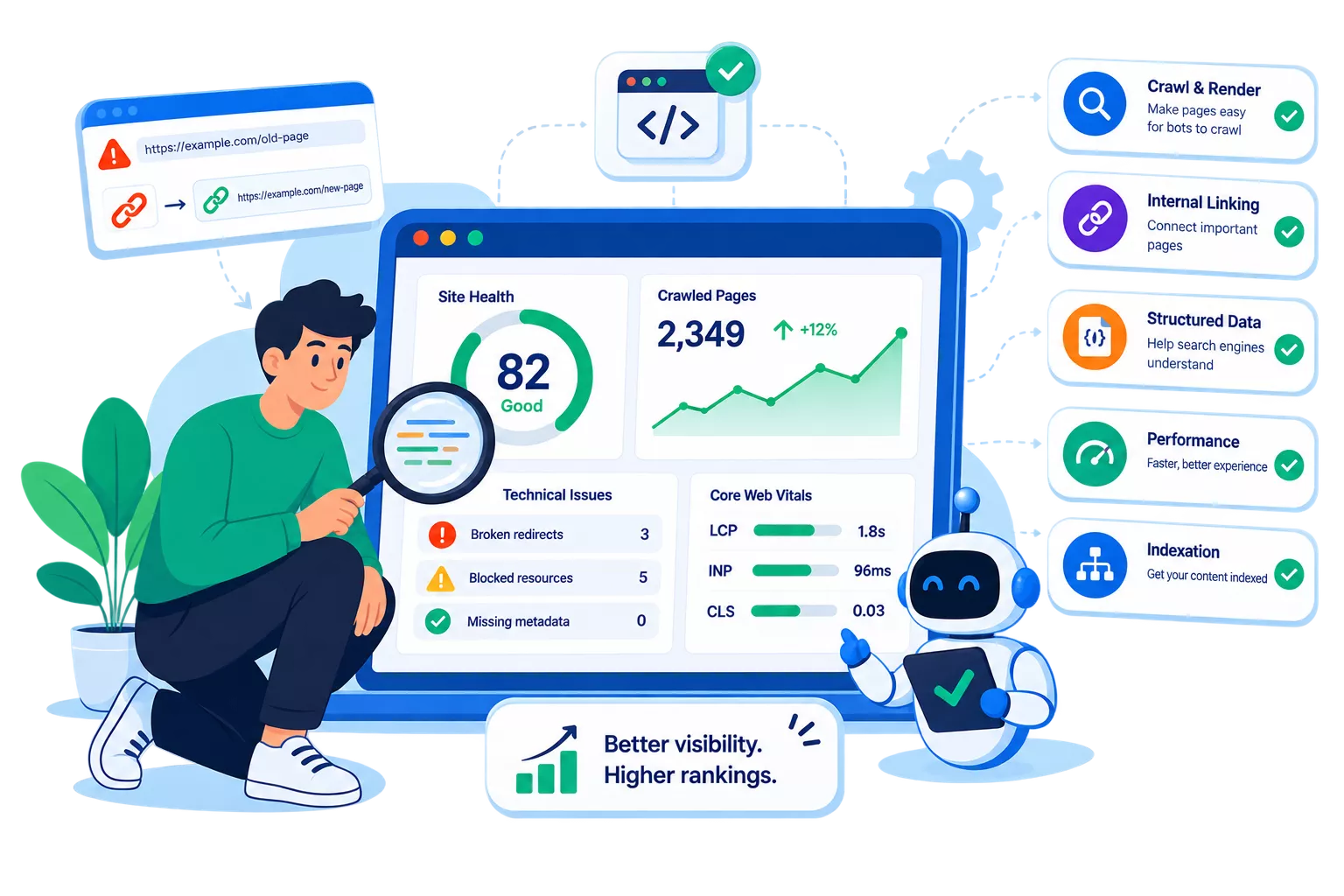
- Flagged nodes are the ones costing you visibility, not every deviation from a checklist.
- The list on the right is ordered by cost, so the top of it is where to start.
Why it matters
A broken redirect can cap your visibility for months
- The mechanism
- Search engines and AI answer engines both need to crawl, render and understand your pages before they can rank or cite you.
- The symptom
- A single broken redirect or bloated template does not announce itself. It quietly holds down everything downstream of it, and it keeps doing that until somebody goes looking.
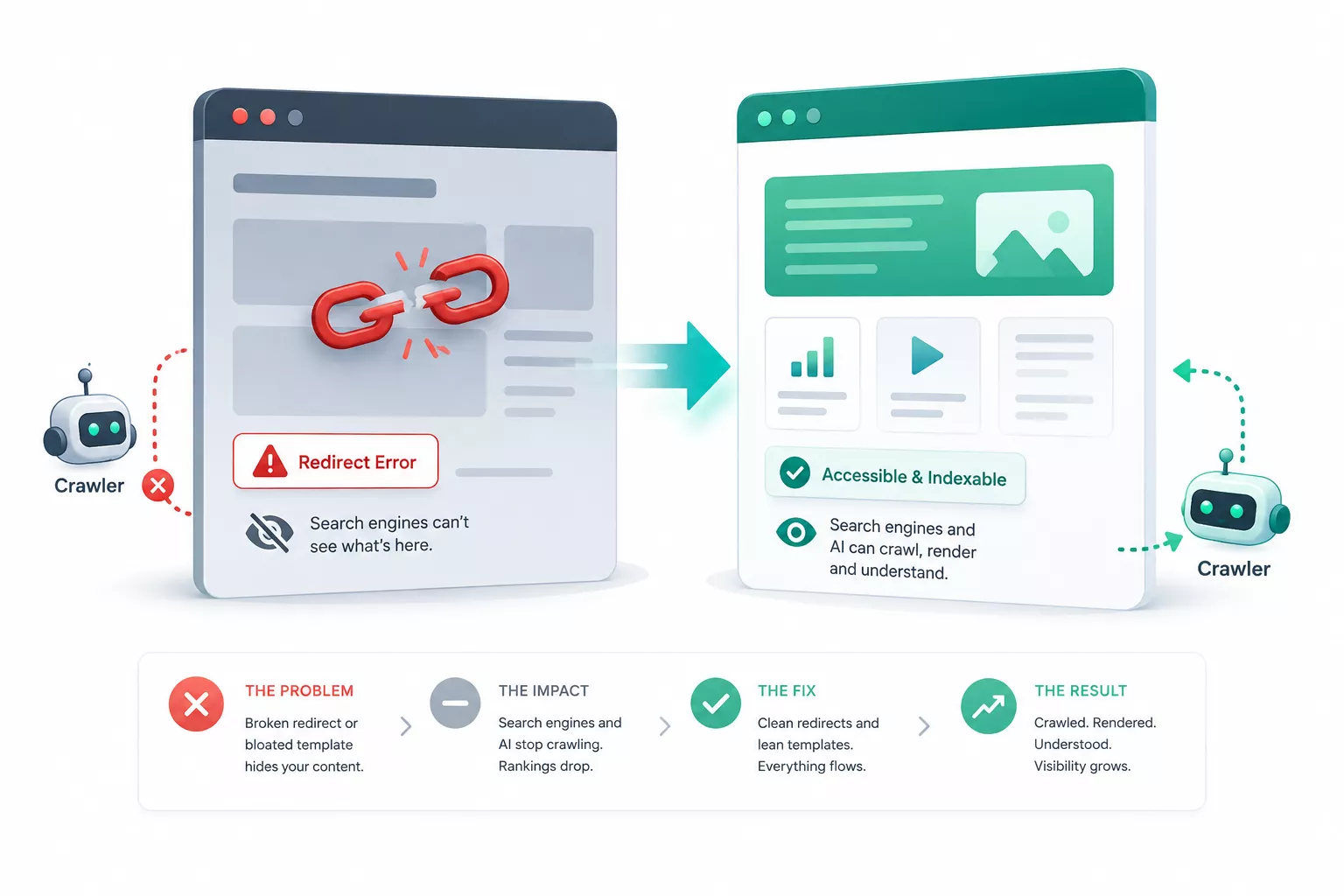
- Nothing breaks visibly — the trend simply stops improving.
- Per-template scoring is what separates one bad page from one bad layout.
In detail
What Adviora checks
Mapped against what is actually slowing you down, rather than run off a generic checklist that flags 400 issues and ranks none of them.
- 01Core Web Vitals, per template rather than per page
- 02Crawlability and robots directives
- 03Indexation gaps — pages that should be indexed and are not
- 04Structured data, and where it is malformed
- 05Mobile rendering differences
- 06Duplicate and near-duplicate content
- 07Titles, headers and on-page structure
- 08Internal linking, and the pages it strands
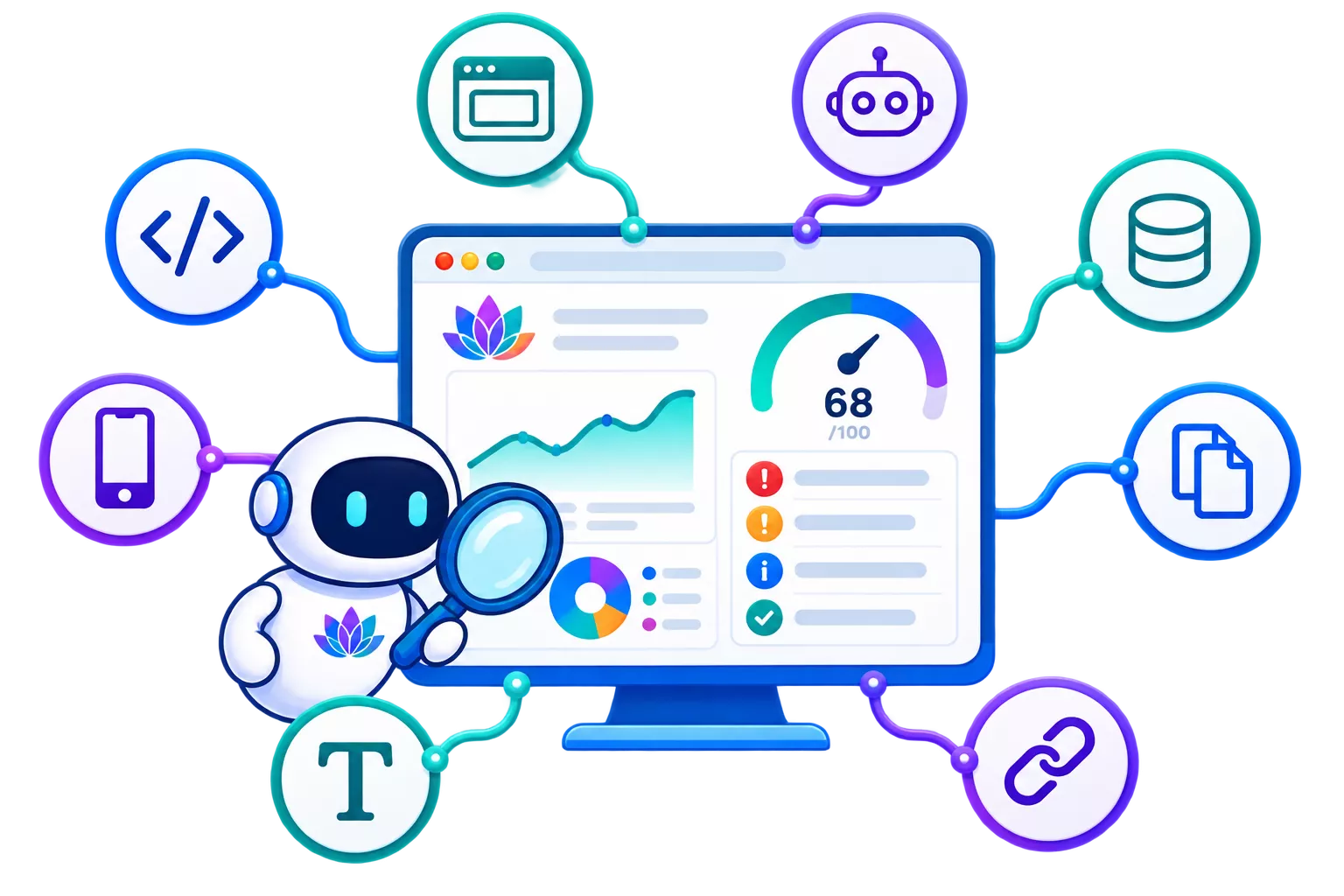
- A flag carries the pages it affects and what fixing it is worth.
- Re-run after a fix and the same check reports against your own baseline.
Where this connects
On-Page · Off-Page · AEO · AI Visibility · GEO
No signal here works alone. This is how technical health feeds the other four, which is the part a single-purpose crawler cannot show you.
- 01
On-Page
Title tags, headers, schema and content structure scored against what actually earns rankings and citations.
- 02
Off-Page
Technical health decides how much authority your backlinks can pass through — a slow, broken site wastes strong links.
- 03
AEO
Structured data and clear answer blocks are what let answer engines lift your content into a direct response.
- 04
AI Visibility
Crawlability issues are the top reason AI models cannot find or cite a site, so Adviora flags these first.
- 05
GEO
Clean, well-structured pages are easier for generative engines to summarise accurately, which protects you from misrepresentation.
Scroll for all five lanes.
By the numbers
Figure pending — awaiting verified data
Sites that resolve the critical technical errors Adviora flags tend to see faster re-indexation in the following weeks.
Illustrative, not a measured result. This section is held for a sourced figure before launch.

Understand the business impact
Technical SEO isn't about clearing every warning
It is about improving outcomes. Adviora connects each issue to what it is actually affecting, so your team makes an informed decision rather than working through a checklist.
- Organic visibility
- AI discoverability
- User experience
- Crawl efficiency
- Content accessibility
- Trust & Authority
- Website performance
Aria
Let Aria explain technical issues
You don't need to interpret a crawl report on your own.
Aria explains technical findings in plain language, prioritises the actions, and points your team at the improvements that will actually change the number.
See how Aria works- Why did our technical health score decrease?
- Which issues should we fix first?
- How do Core Web Vitals affect AI visibility?
- Which pages have indexing problems?
- What's preventing search engines from discovering our content?
Why teams choose it
Continuous monitoring against a one-off audit
| Traditional technical SEO tools | Adviora |
|---|---|
| One-time audits | Continuous monitoring |
| Lists of technical errors | Prioritised business impact |
| Technical metrics | Connected platform insights |
| Manual issue tracking | Automated recommendations |
| An SEO-only perspective | SEO and AI discoverability together |
| Static reports | Real-time intelligence |
Frequently Asked Questions
It continuously monitors your website for the technical issues that affect discoverability, crawlability, indexing, performance and AI visibility — and returns prioritised recommendations rather than a list of warnings.
A traditional audit is a snapshot. Technical SEO Intelligence tracks your site continuously, identifies new issues as they appear, and connects technical performance to broader business outcomes.
Yes. Technical health influences how AI systems access, understand and reference your content, so Adviora checks that your site is prepared for AI-driven discovery as well as for search engines.
Yes. Issues are explained in business-friendly language and prioritised by impact rather than by technical complexity, so the list is readable without a developer beside you.
It contributes to the Executive Dashboard and works alongside AI Visibility, Trust & Authority, Customer Discovery, Competitor Universe, Content Intelligence and Aria.
Build a stronger foundation for digital growth
One scan, ranked by cost rather than by severity in the abstract. Fix the top of the list and the rest can wait.
No card required to see your first score.
- 01Point Adviora at your domain — nothing to install
- 02Read the flags in cost order, not severity order
- 03Fix the top three, then re-run against your own baseline